
Femursoft

Product

Meet GeoMESH – Terrain Modeling Made Simple

Create, edit, and analyze Digital Elevation Models (DEM) and Triangulated Irregular Networks (TIN) — seamlessly inside Autodesk® AutoCAD®


GeoMESH supports AutoCAD for Windows and AutoCAD for Mac, Versions 2023, 2024, 2025, and 2026.


GeoMESH provides functions for

✅ Import terrain points from LAS and text files
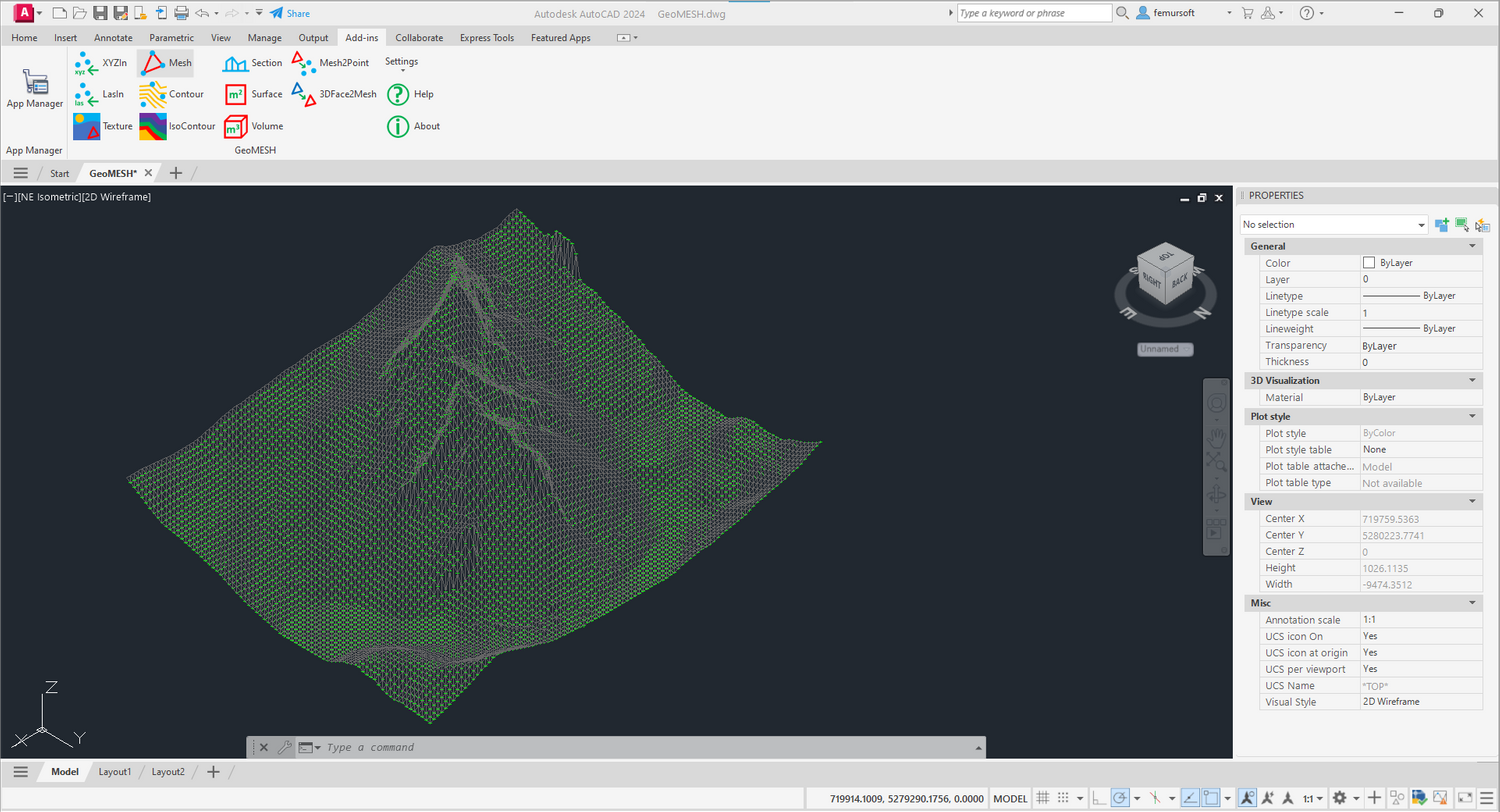
✅ Generate precision terrain meshes with constrained Delaunay triangulation
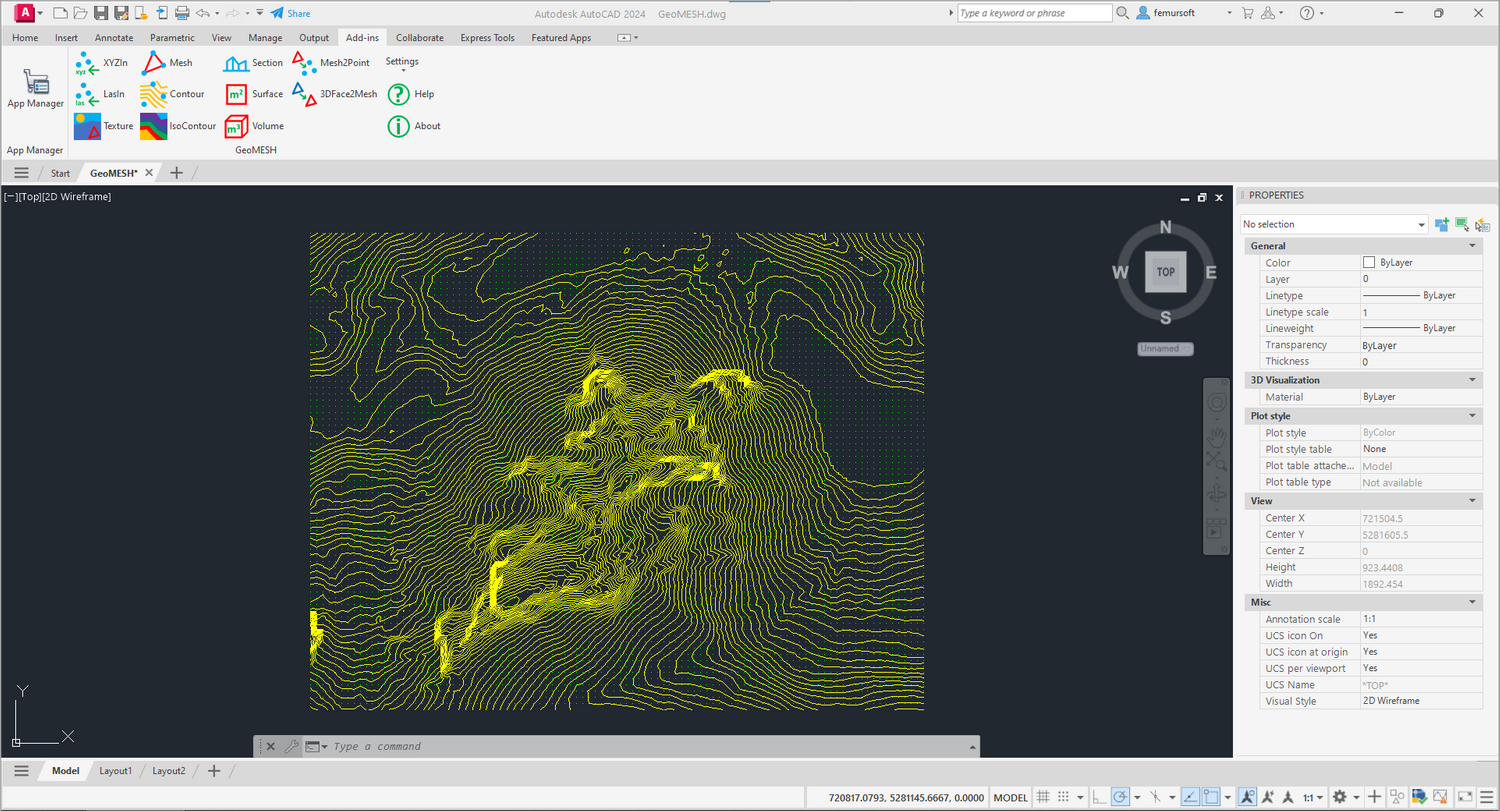
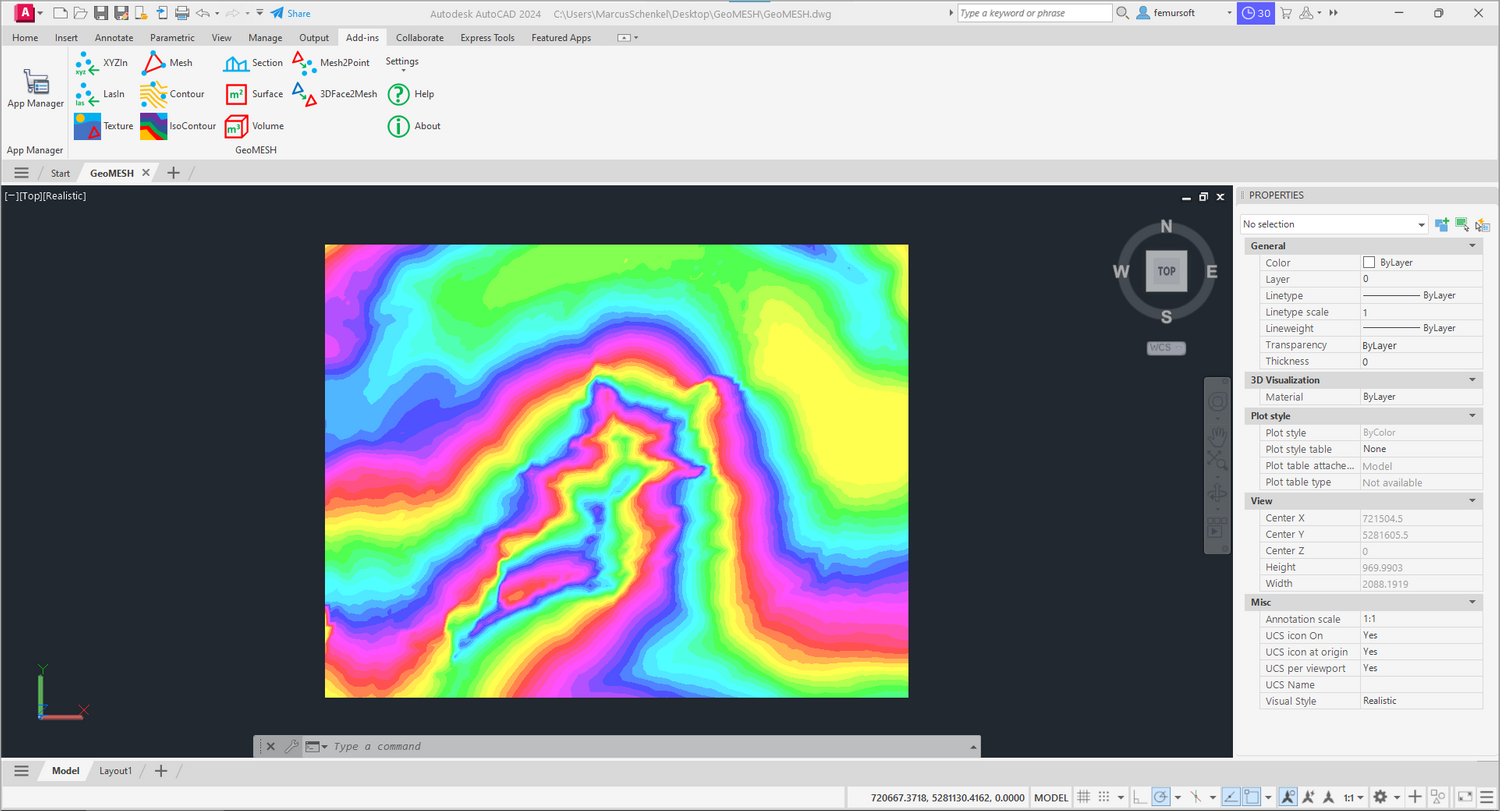
✅ Create contour lines and colorful elevation maps
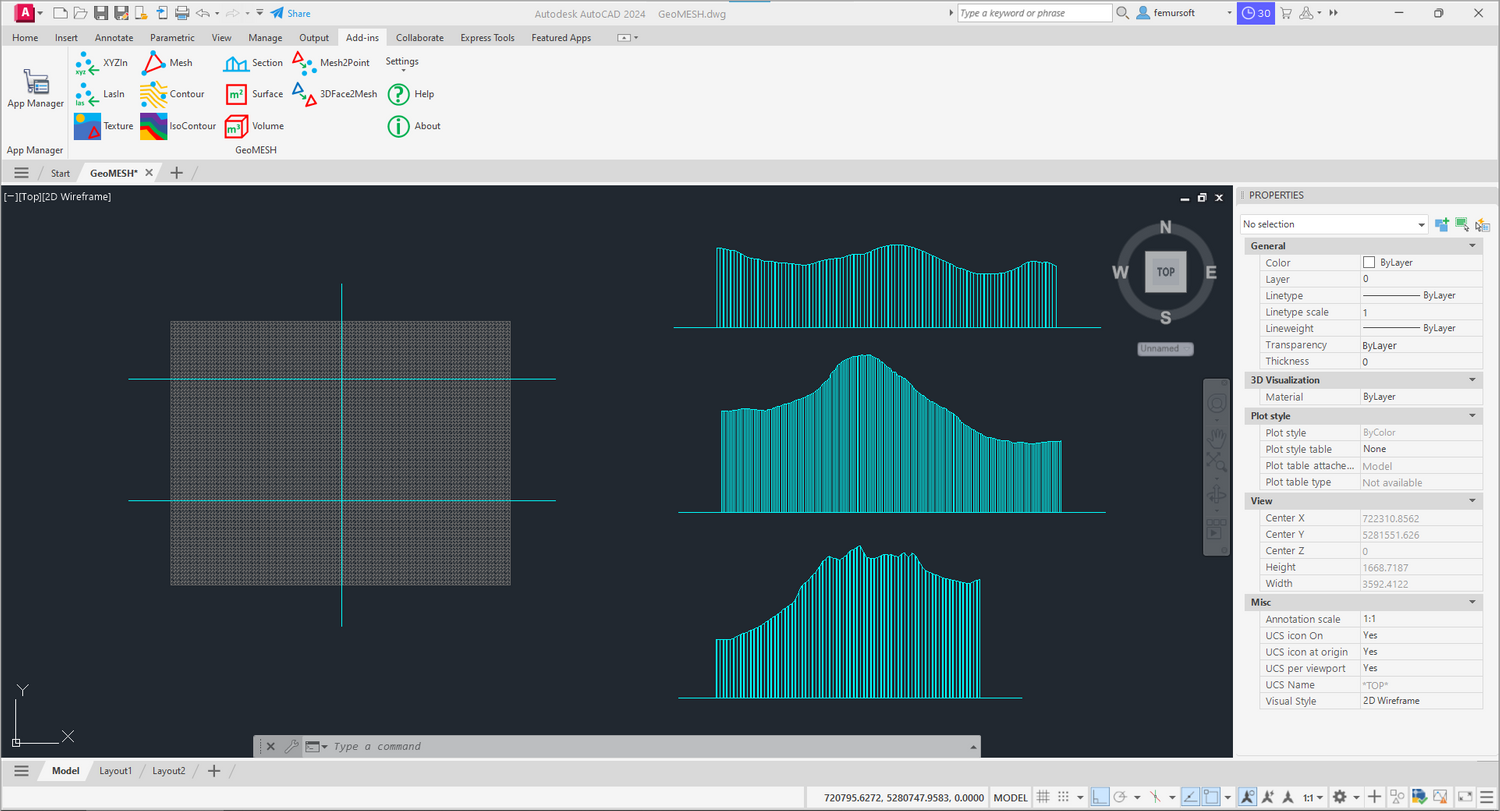
✅ Build terrain cross-sections effortlessly
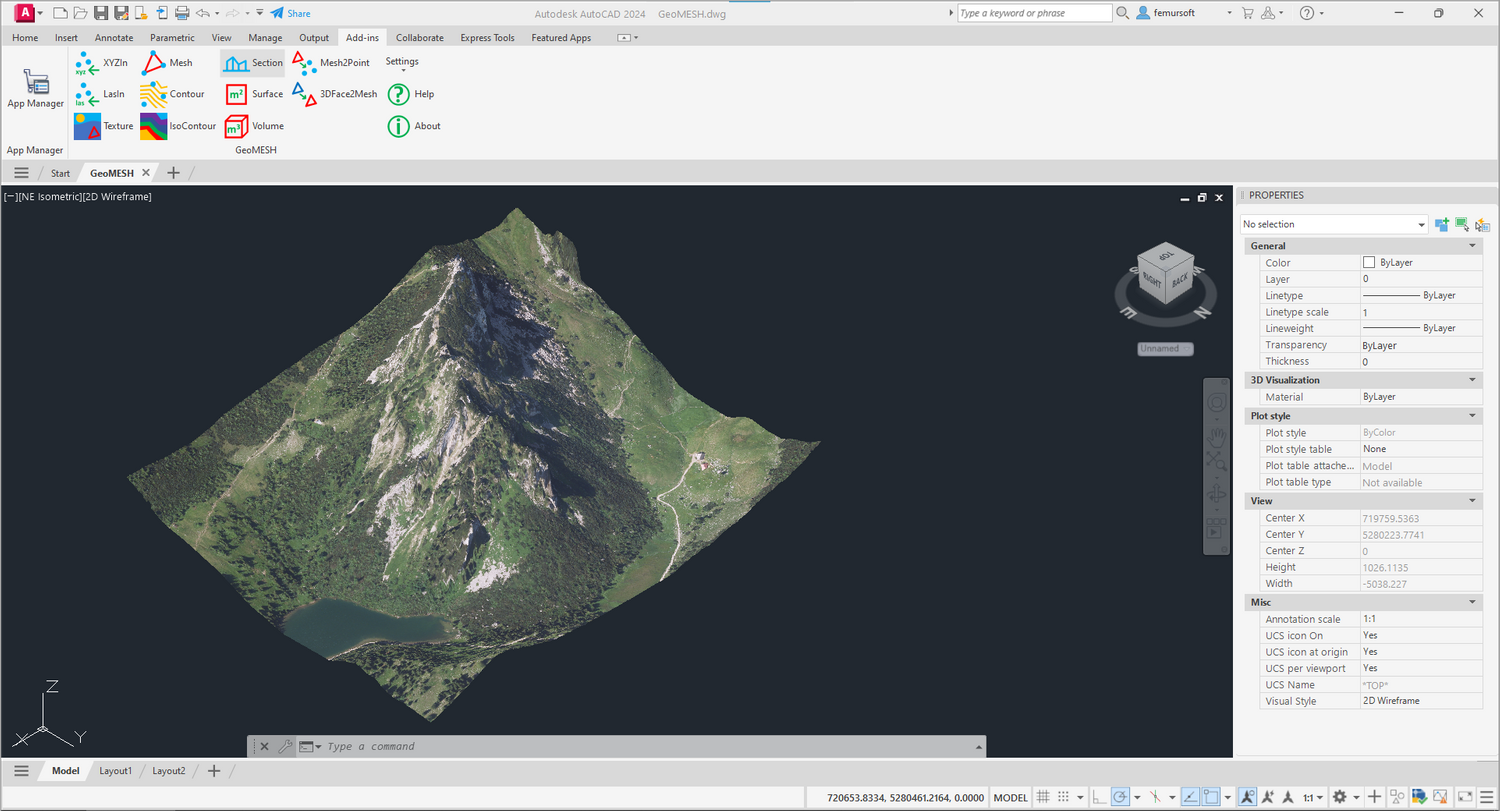
✅ Project ortho images onto your models
✅ Simulate rainwater flow across your terrain
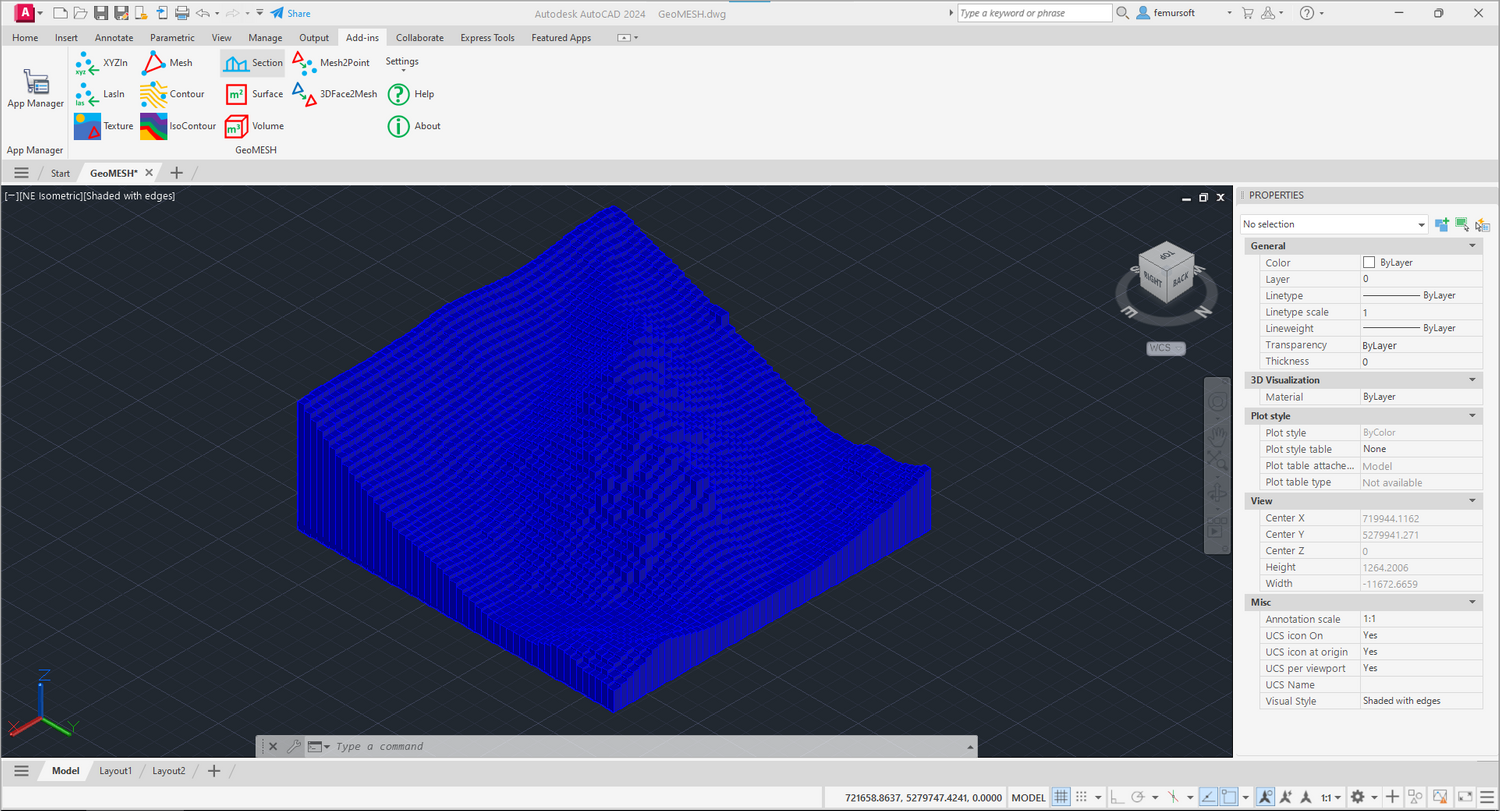
✅ Calculate accurate volume differences between surfaces

Fast. Focused. Flexible.
GeoMESH gives you powerful terrain modeling tools — without big GIS systems or high costs.

✅ 100% integrated into AutoCAD
✅ Open standards. Full freedom.

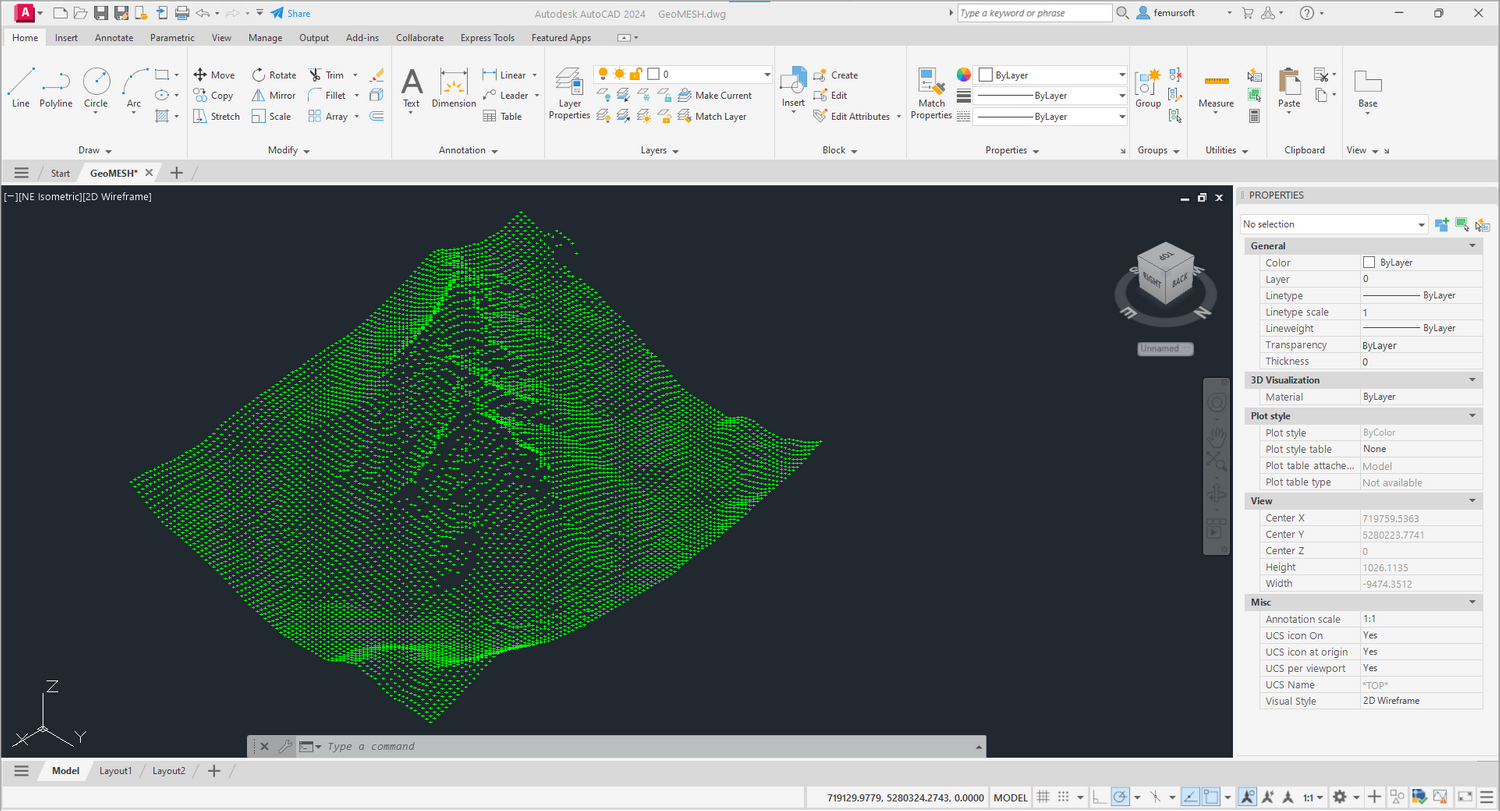
Screenshots

Get GeoMESH

GeoMESH 2.6.2 for Windows
Download from the Autodesk App Store...

GeoMESH 2.6.2 for MacOS
Download here...

Information:

  • Autodesk App Store currenty does not support AutoCAD for Mac. Please download the file "GeoMESH2xx.bundle" and install GeoMESH with the AutoCAD command "APPLOAD" manually. Enjoy!
    For purchase GeoMESH for Mac, please read instructions in "Install_GeoMESH.txt". 
  • For more information about GeoMESH please visit the Autodesk App Store.
  • List of GeoMESH Commands.
  • List of GeoMESH History.

About us

Femursoft is a software studio that develops innovative and user-friendly applications for Autodesk AutoCAD - made by engineers for engineers. We deliver services for Windows and MacOS.